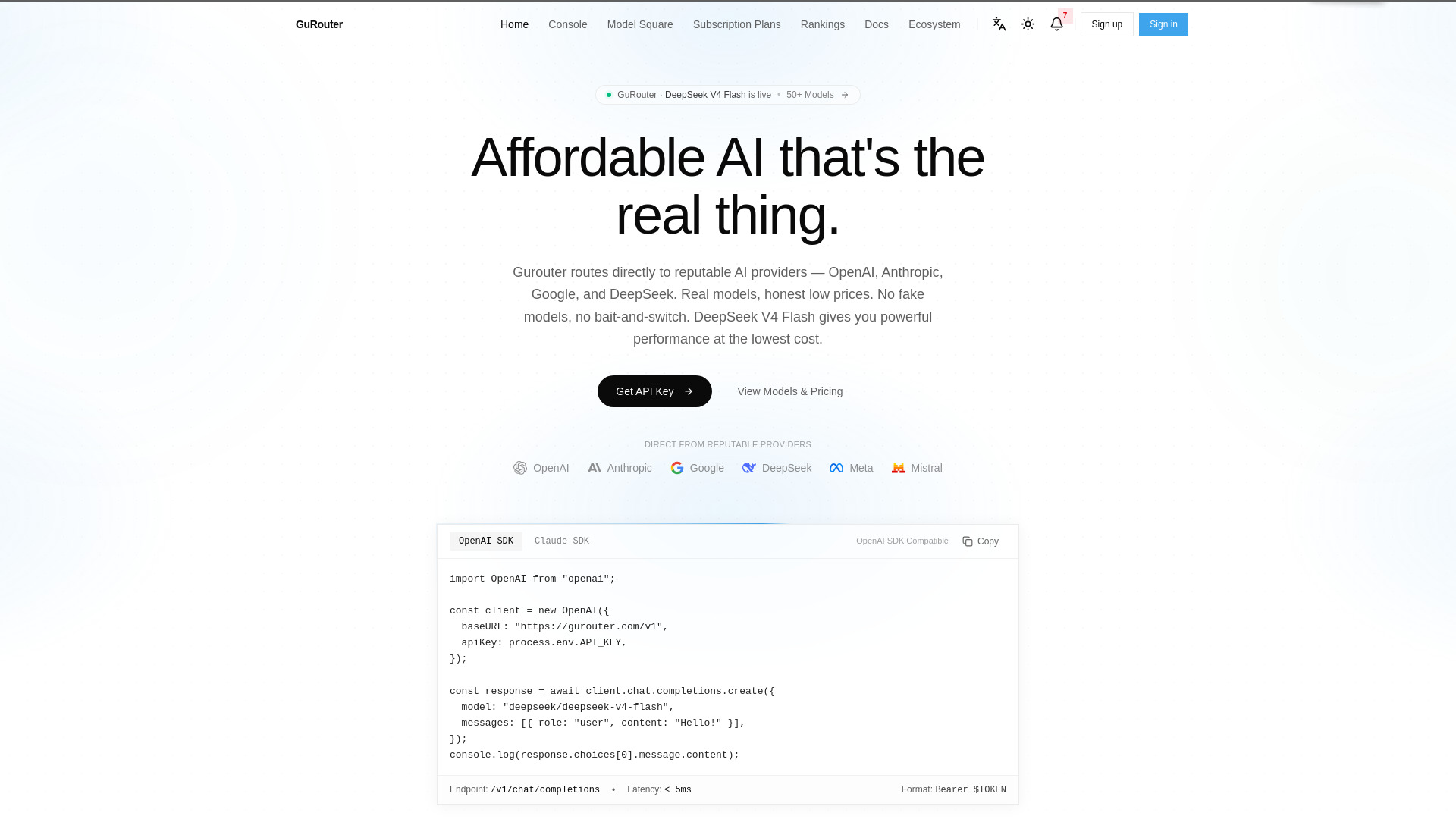
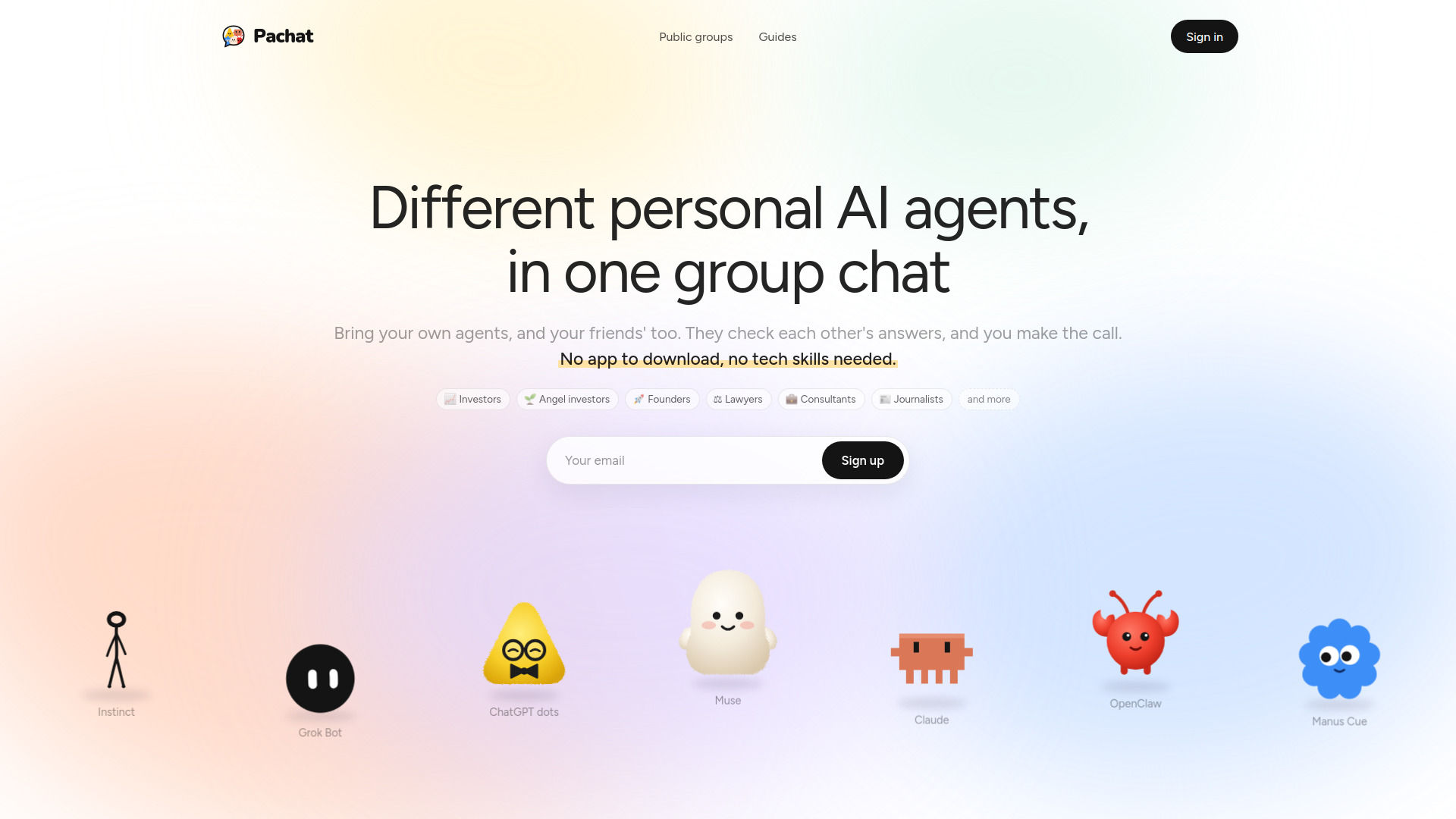
Pachat.ai
Different personal AI agents, in one group chat. They check each other's answers, and you make the call.
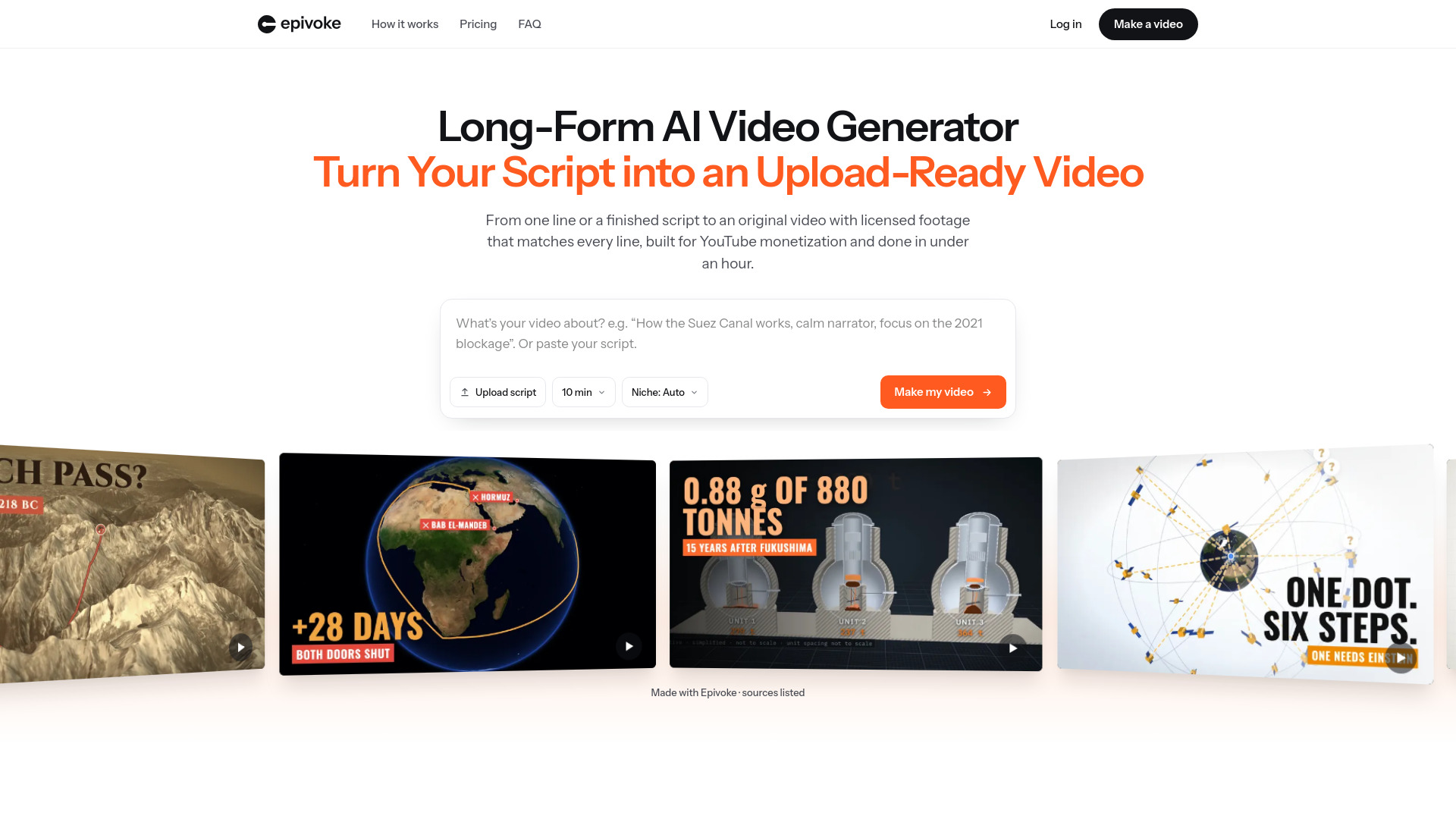
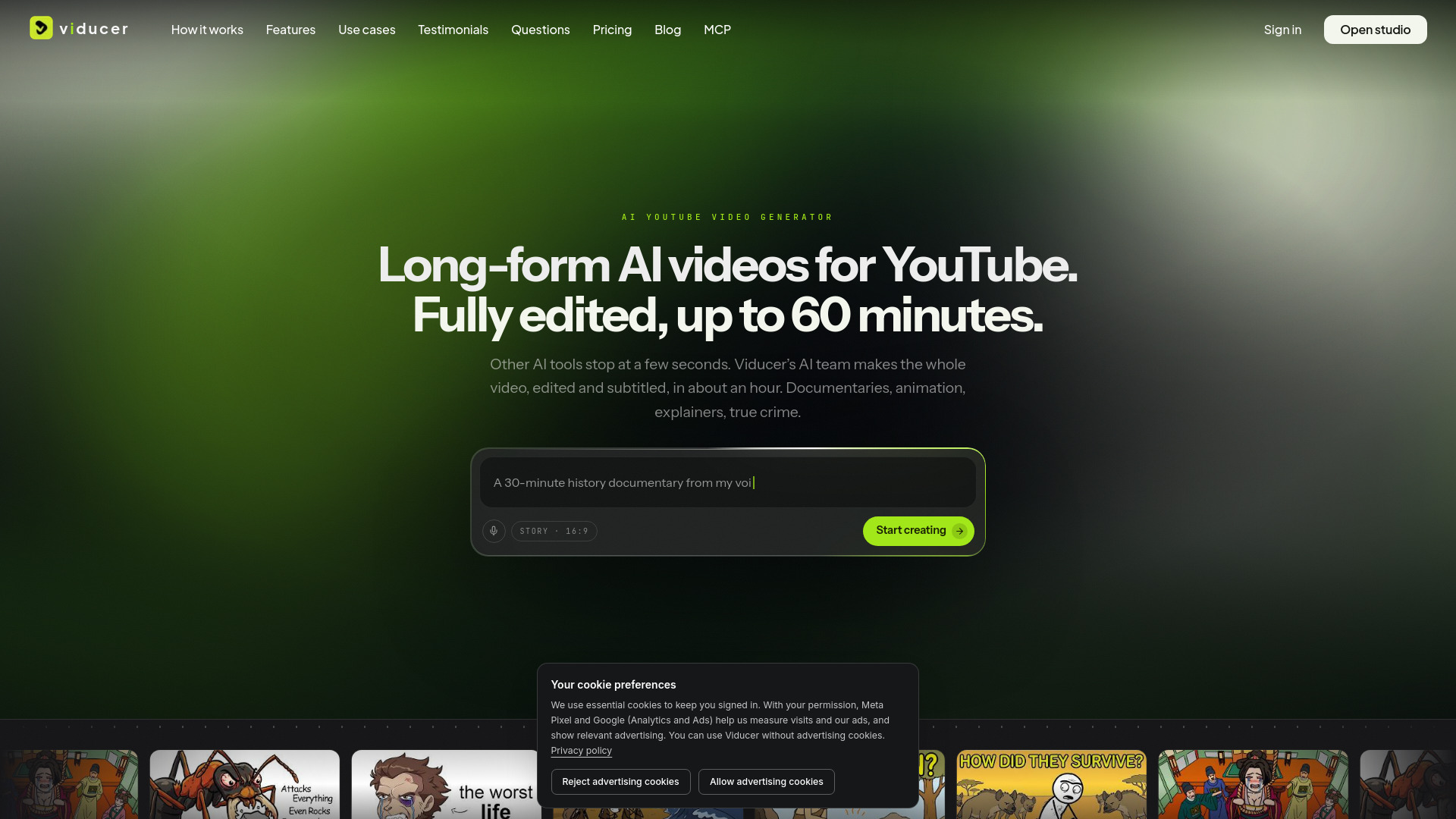
Epivoke - Long-Form AI Video Generator
AI tool for creating long-form YouTube videos from topics or scripts
Cinemagiq
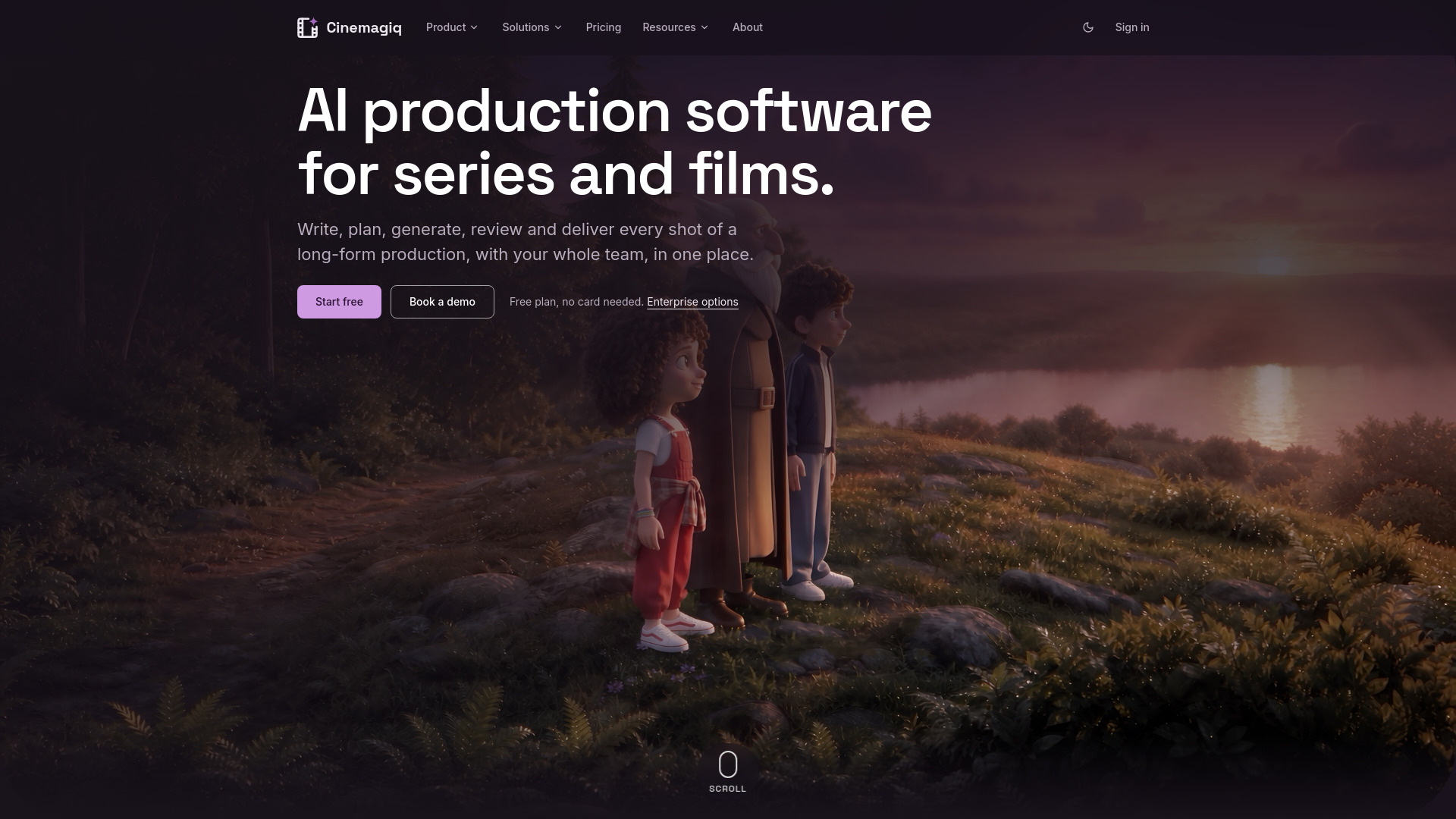
AI production software for series and films: 40+ AI models for video, images and audio, a versioned Asset Hub, a shot-by-shot Production Board and an AI agent, in one shared project.
Motion Fab
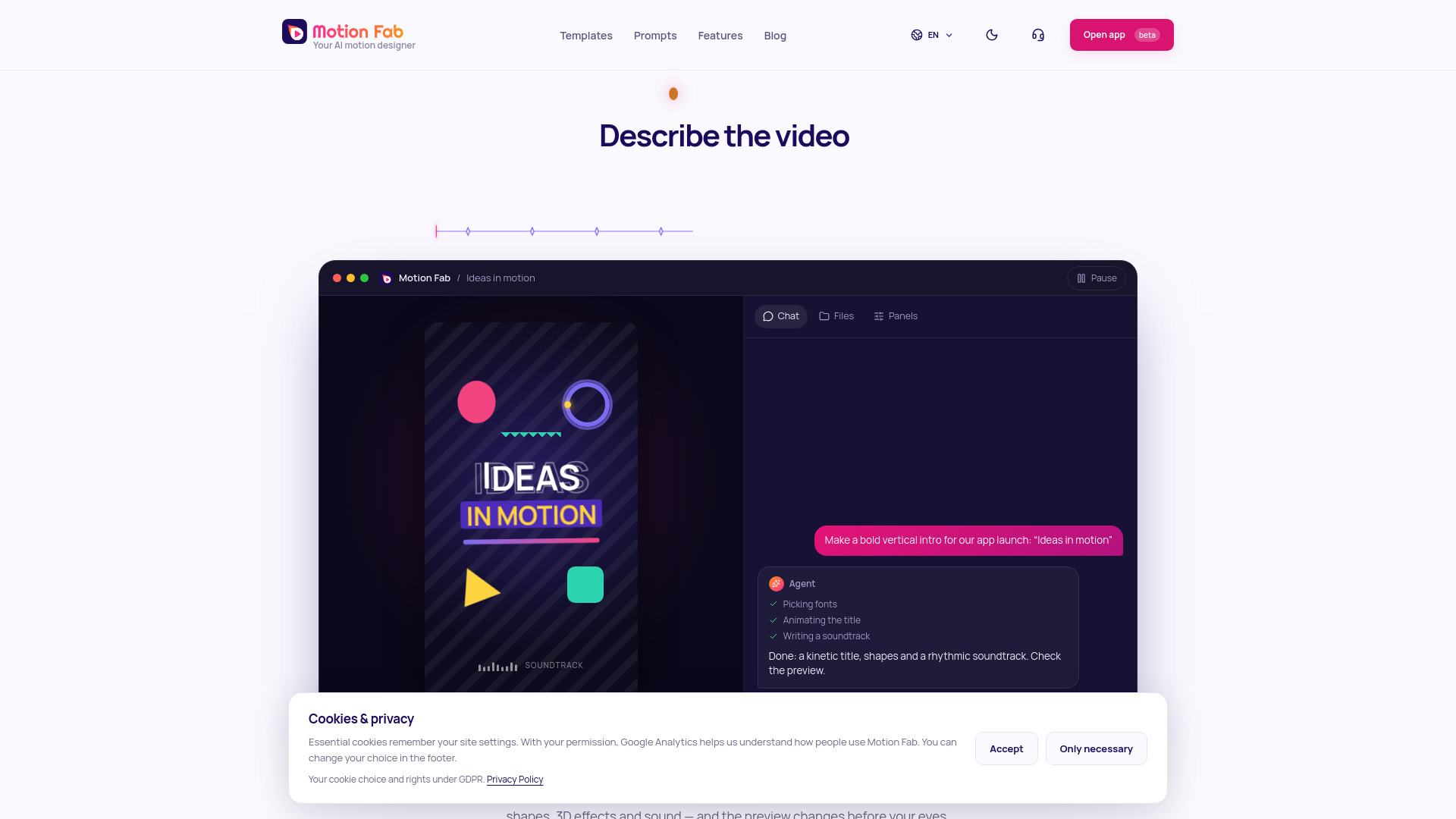
Motion Fab is an AI motion designer you talk to: describe a video in chat and an agent animates it, with kinetic type, 3D effects and sound, a live preview and MP4 export.
Vidsembly
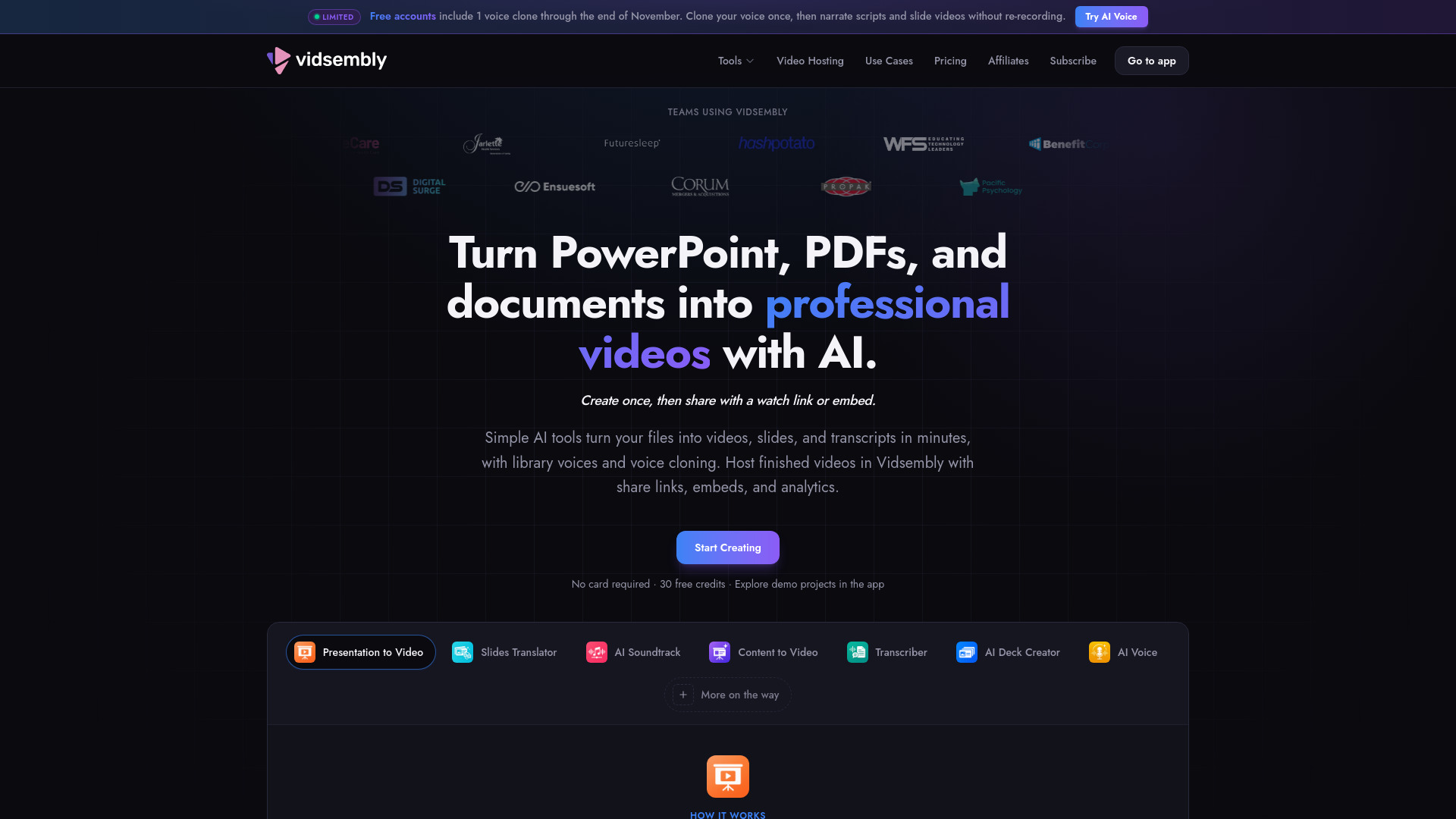
Vidsembly is an AI video creation toolkit for turning PowerPoint presentations, PDFs, and documents into narrated videos, creating slides, cloning voices, and hosting videos.
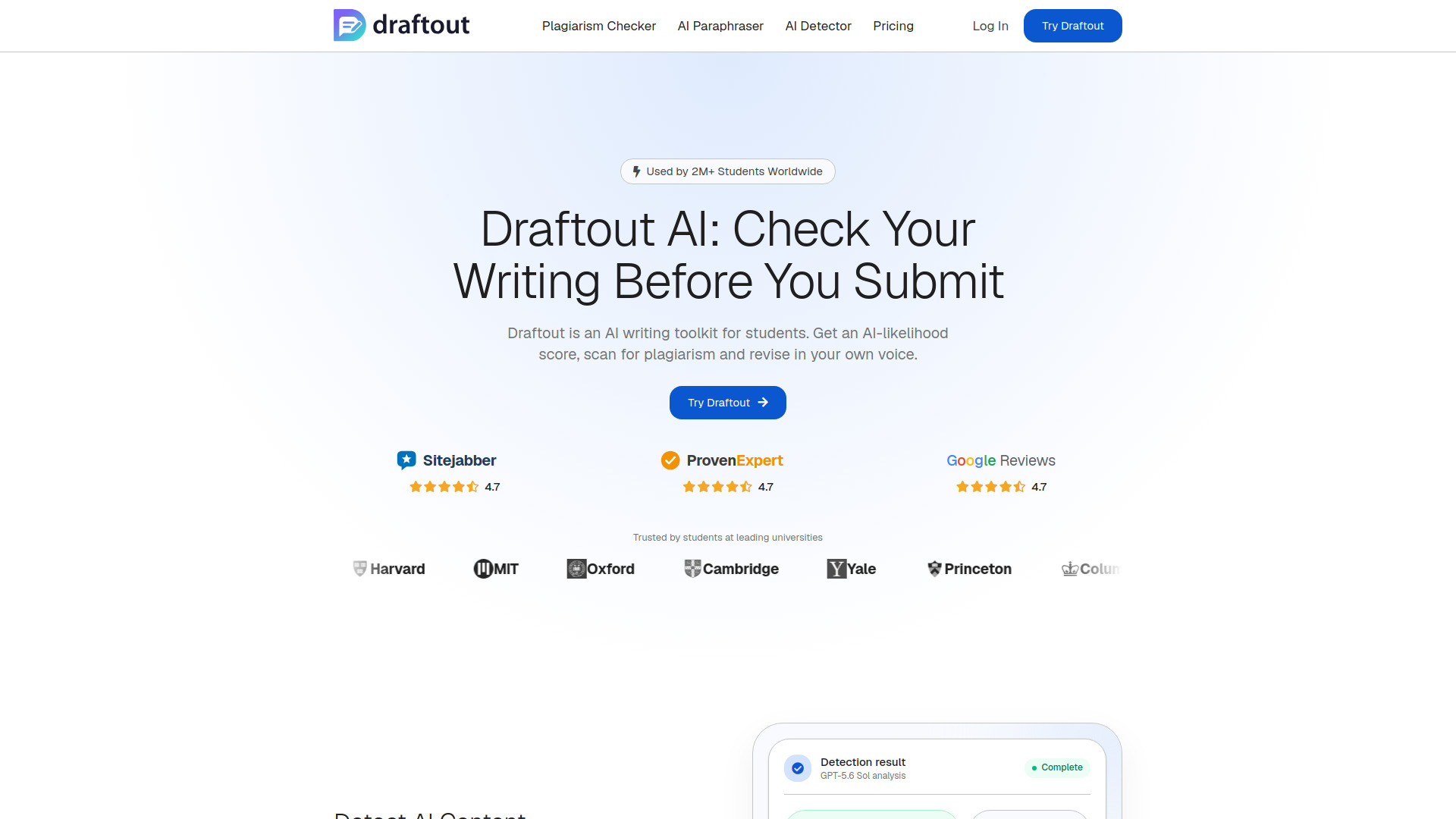
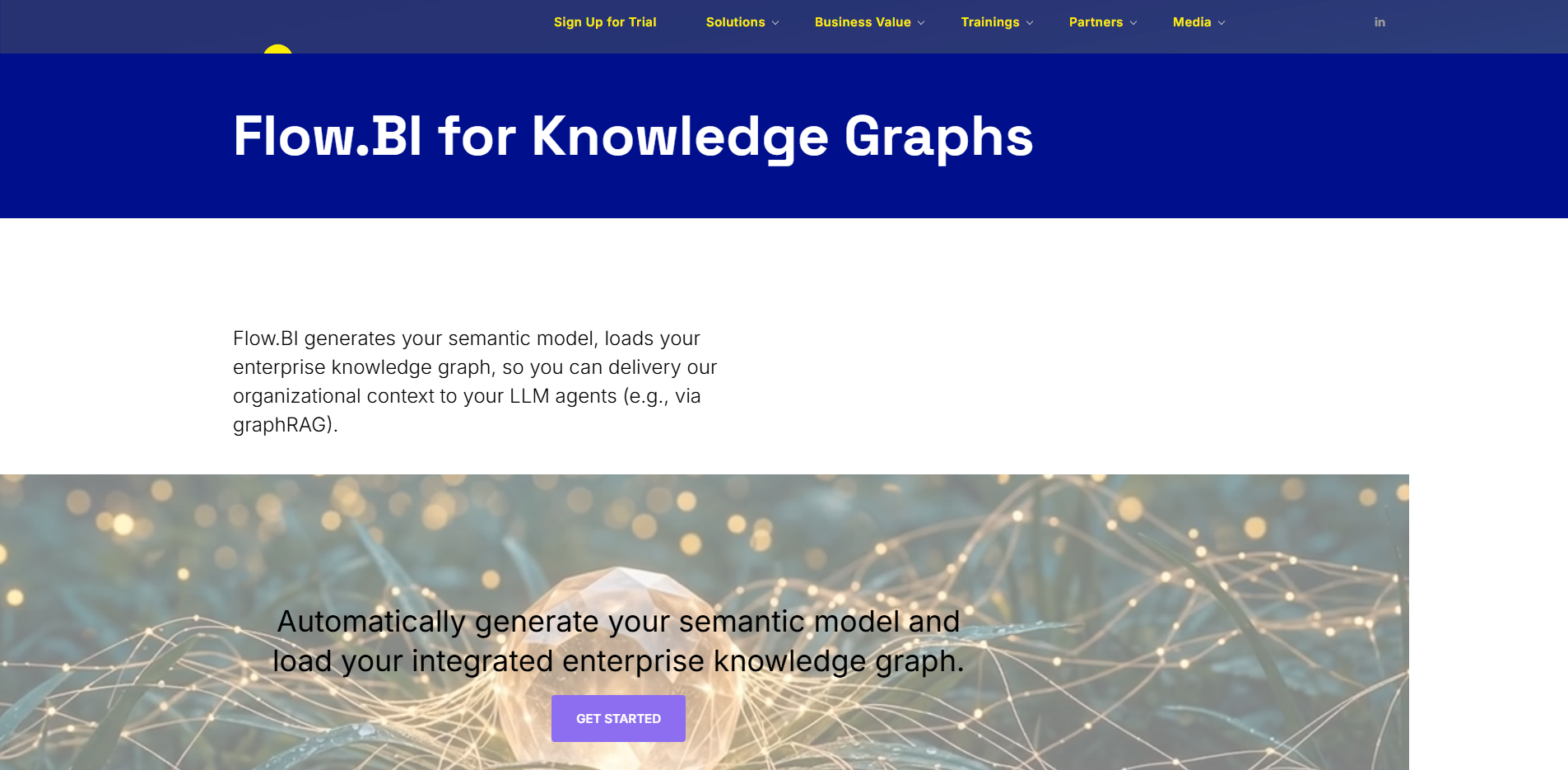
Flow.BI for Knowledge Graphs
Generates semantic models and enterprise knowledge graphs from source-system metadata.
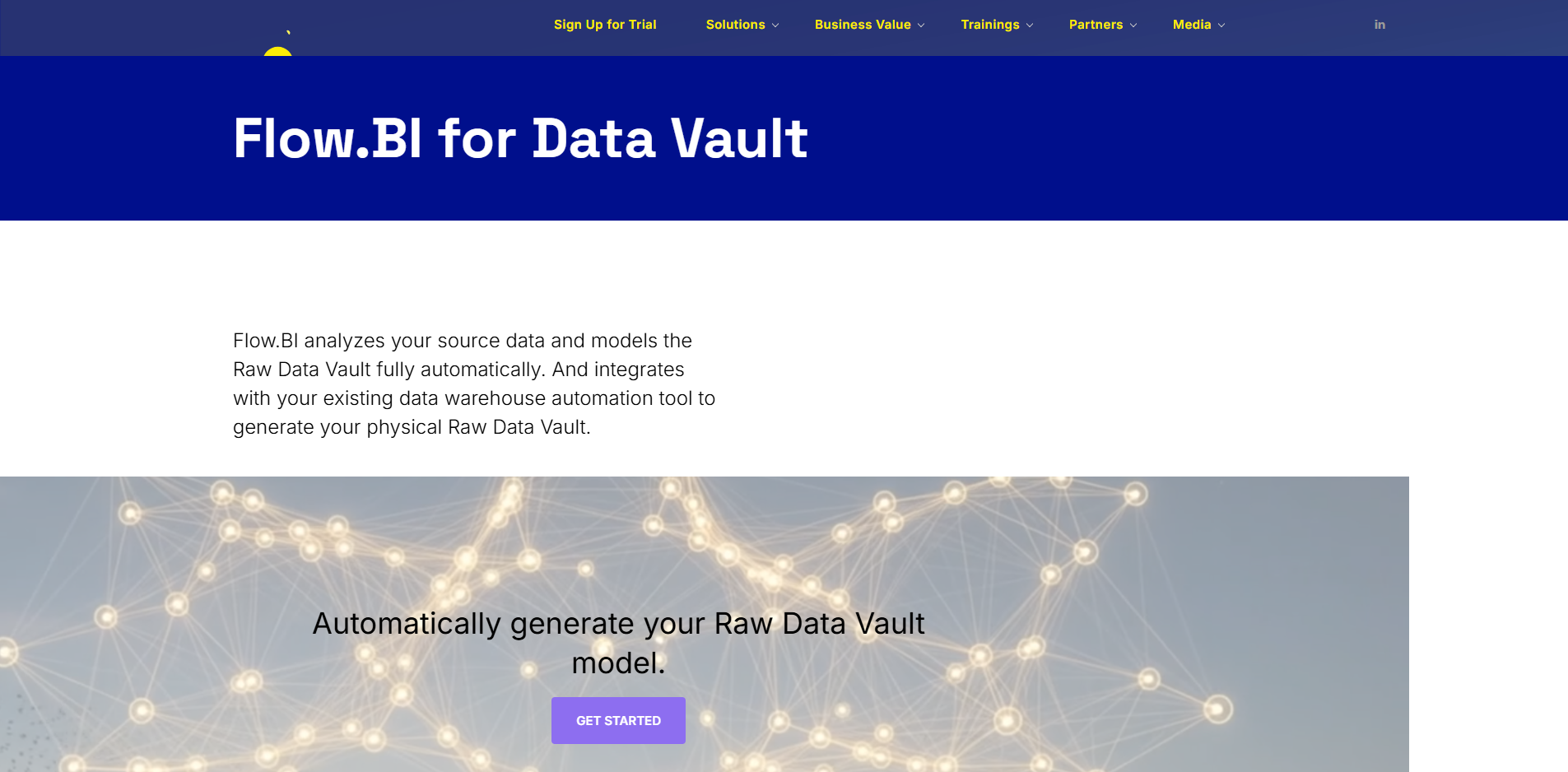
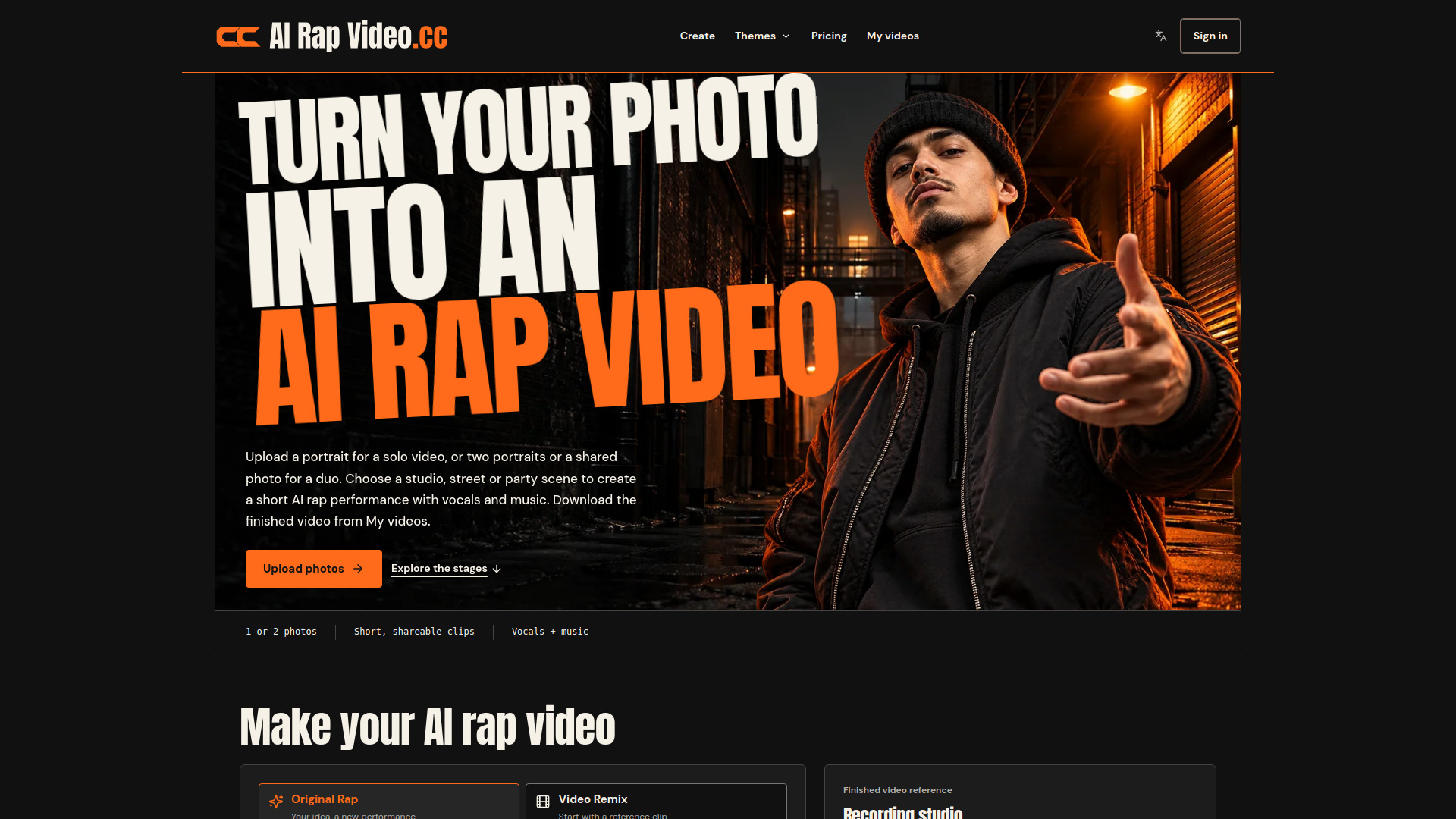
AI Rap Video
Create short AI rap videos from photos, with original performances or reference-clip remixes.
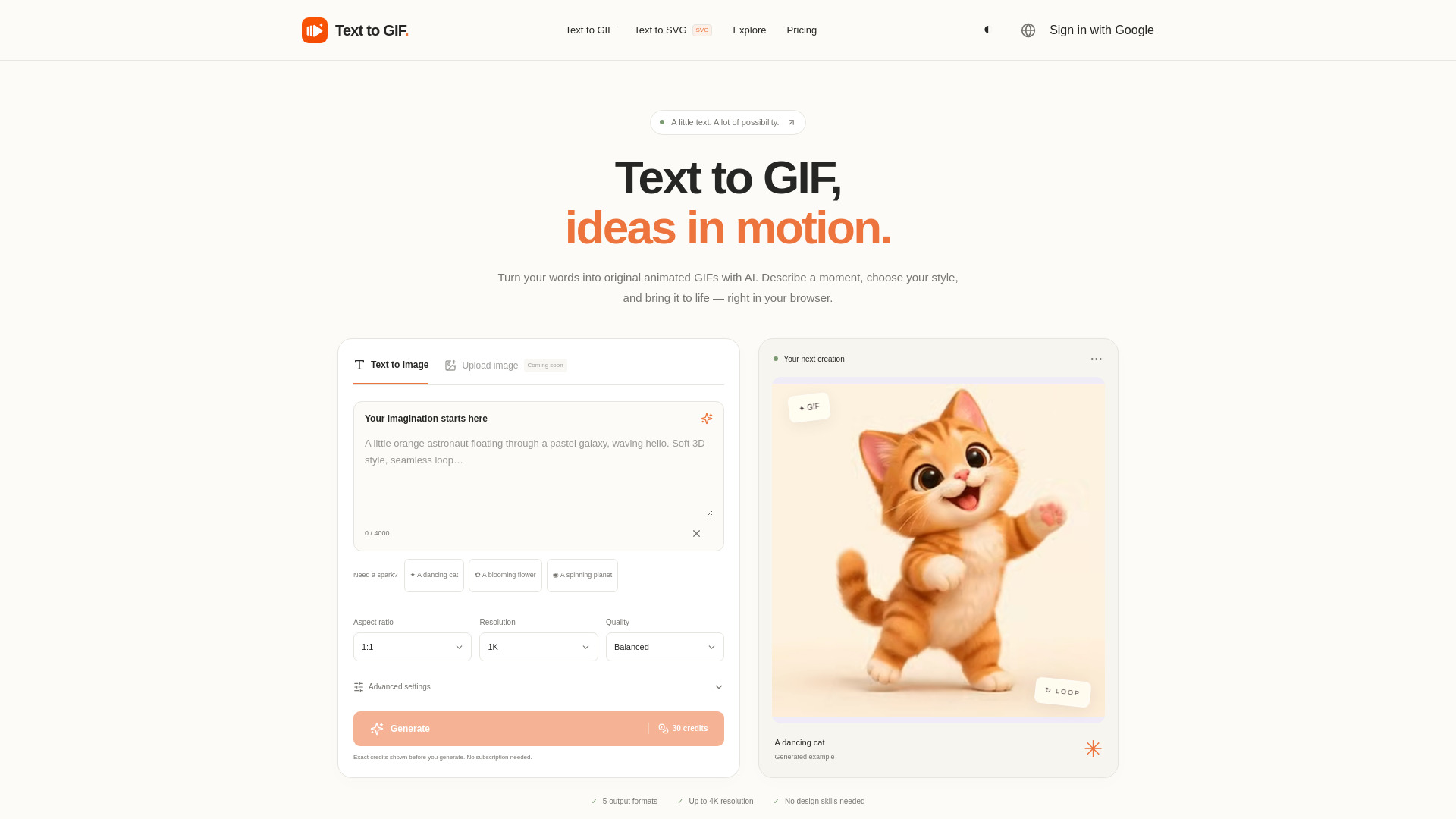
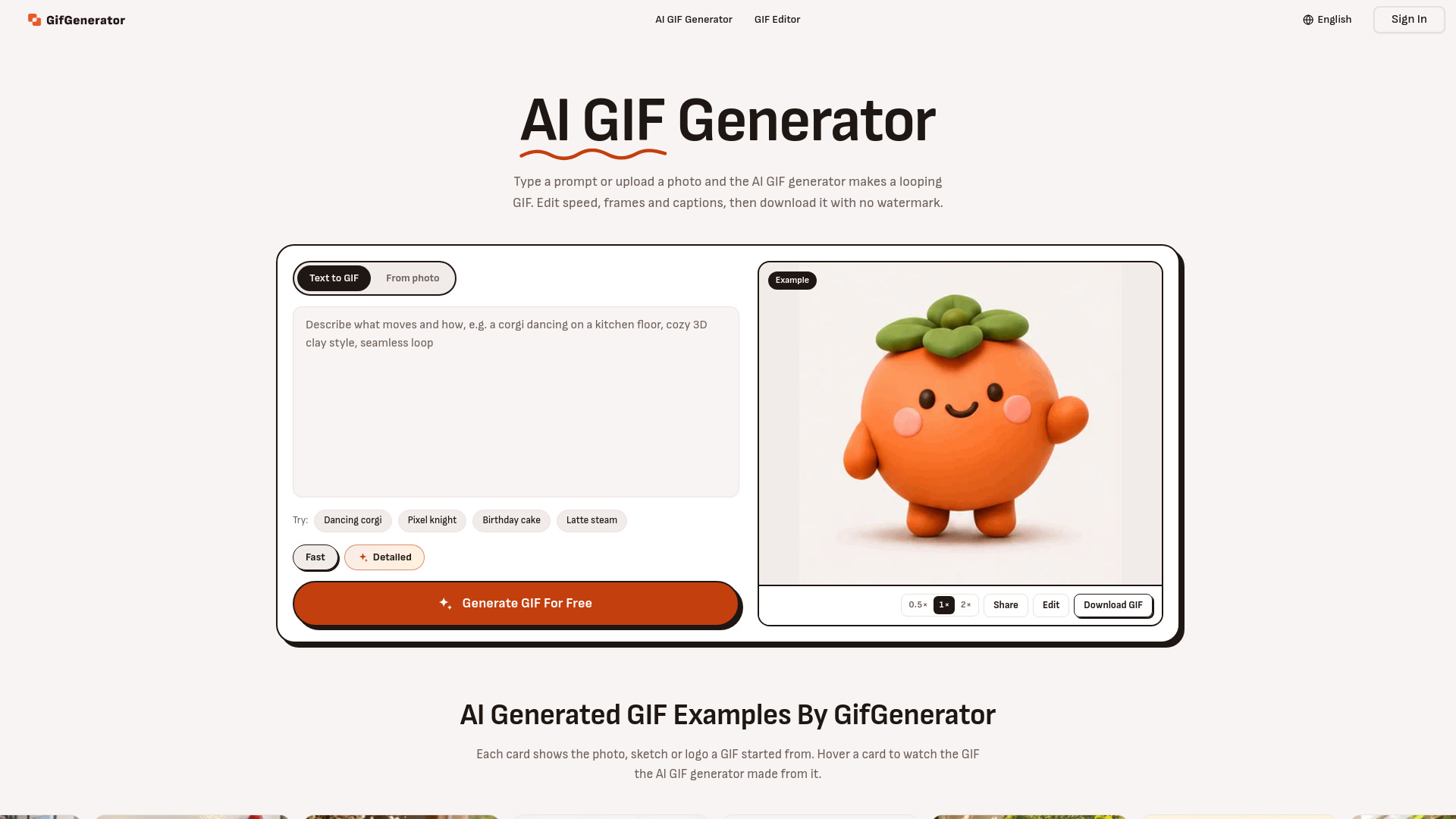
Text to GIF
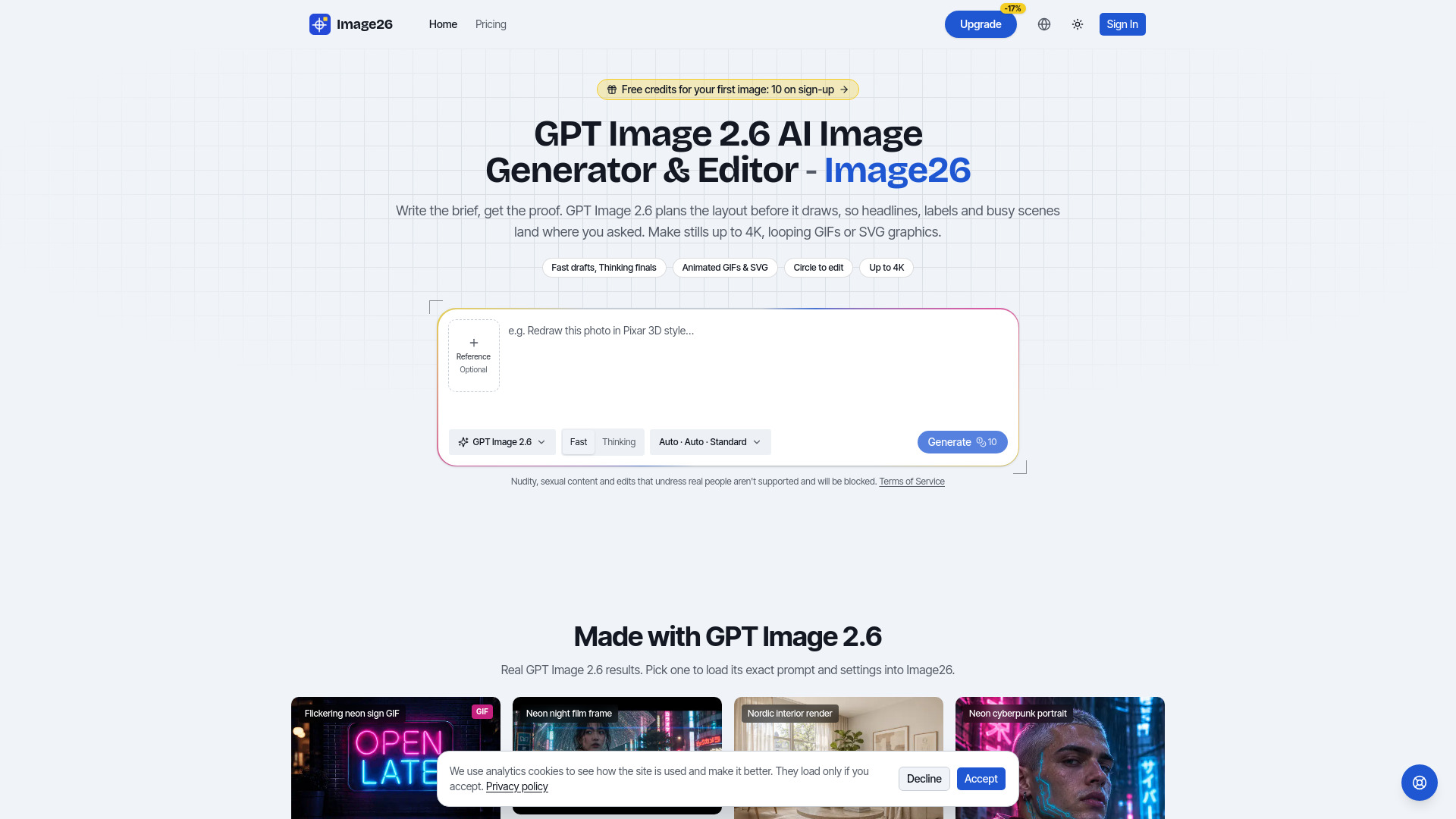
AI GIF generator that turns text into original animated GIFs, scalable SVGs, and images in your browser.
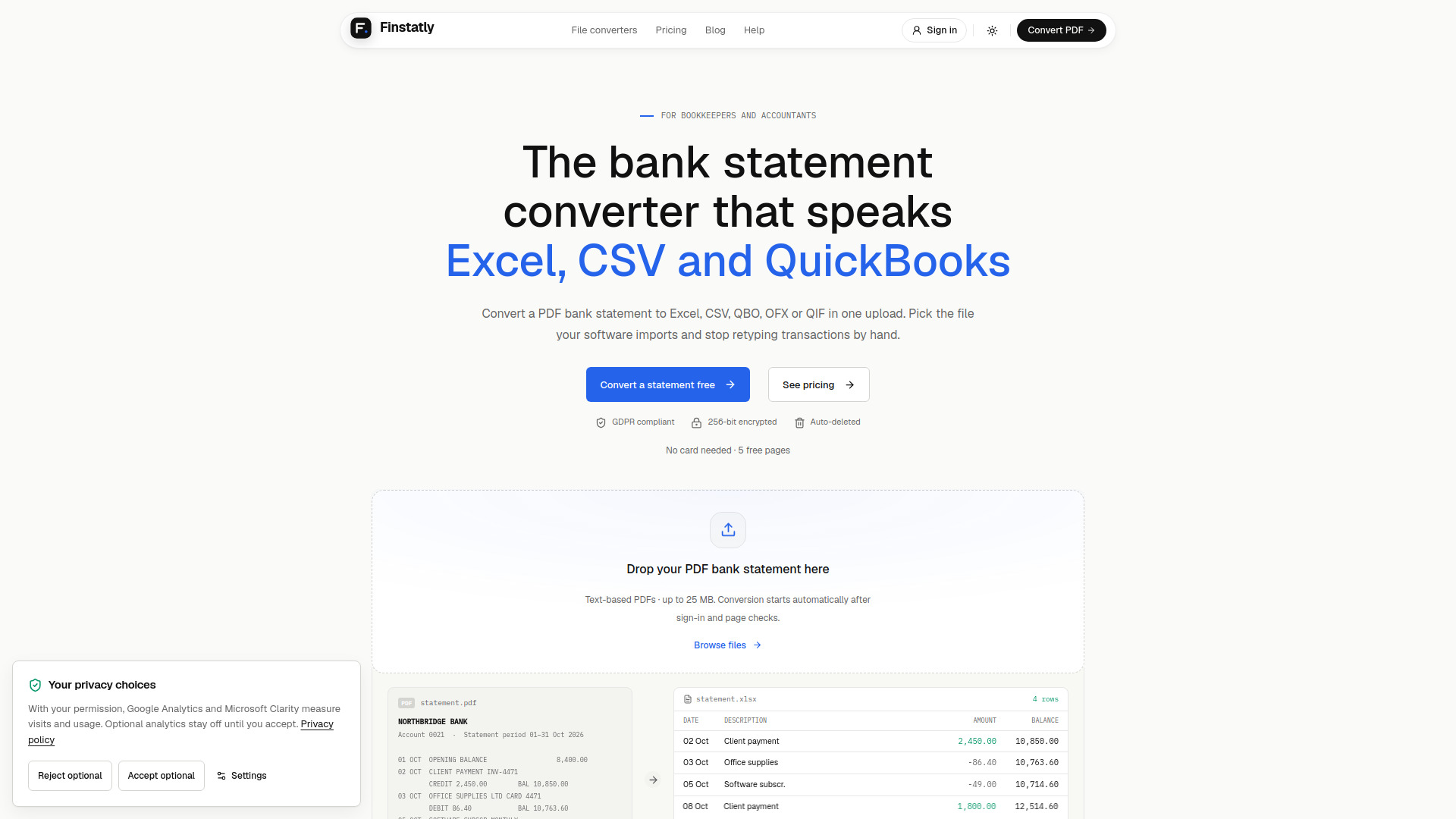
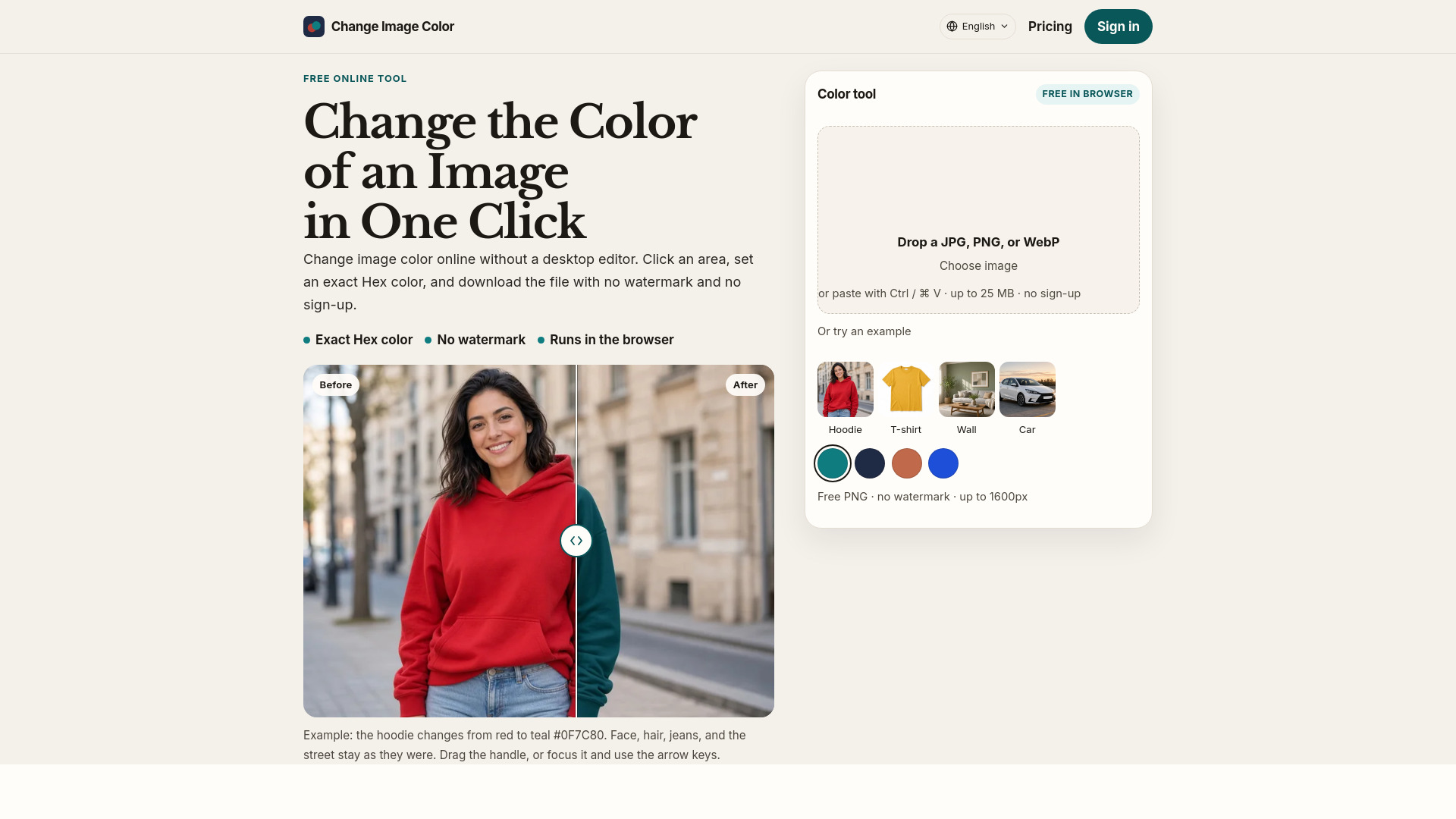
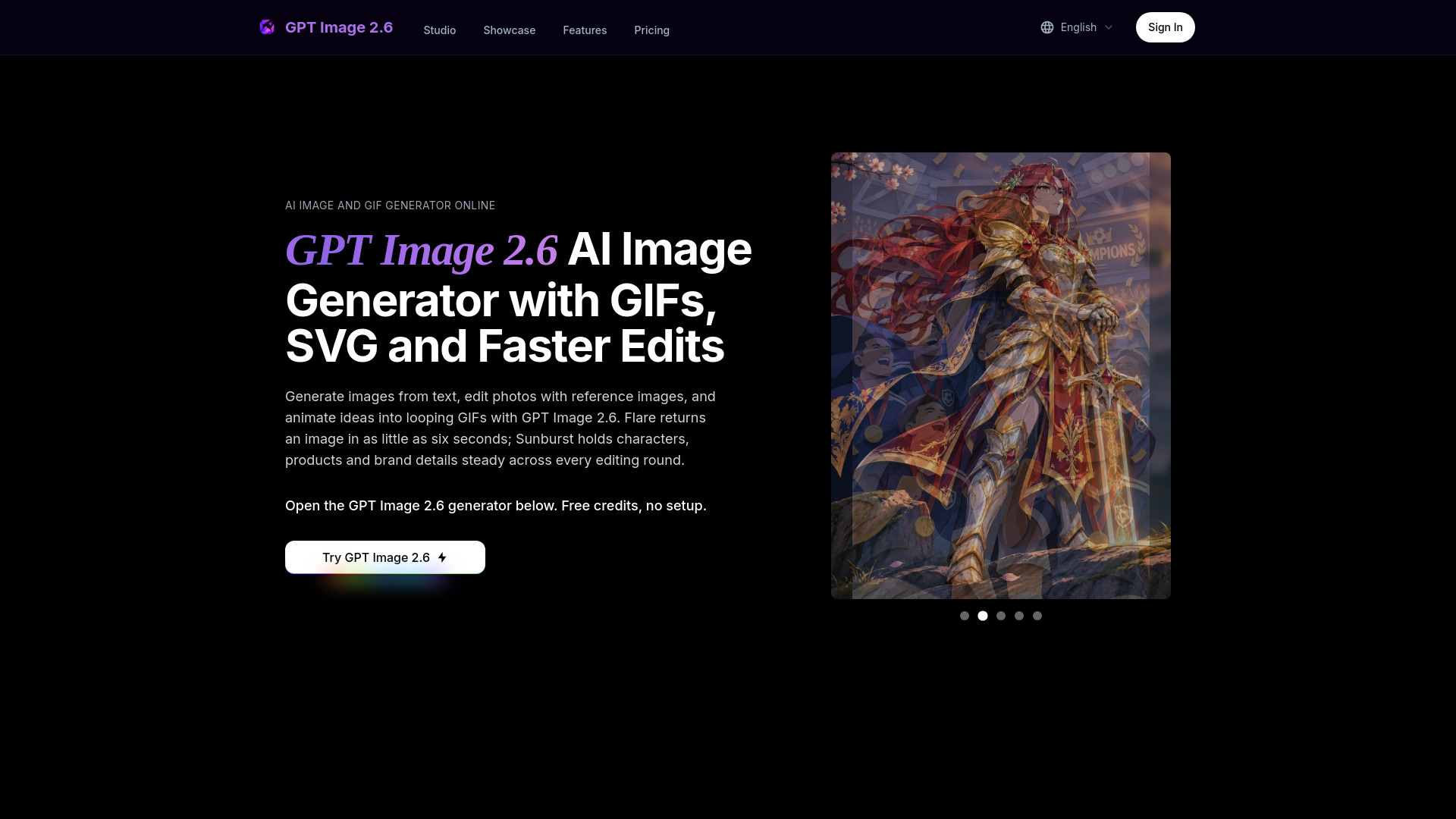
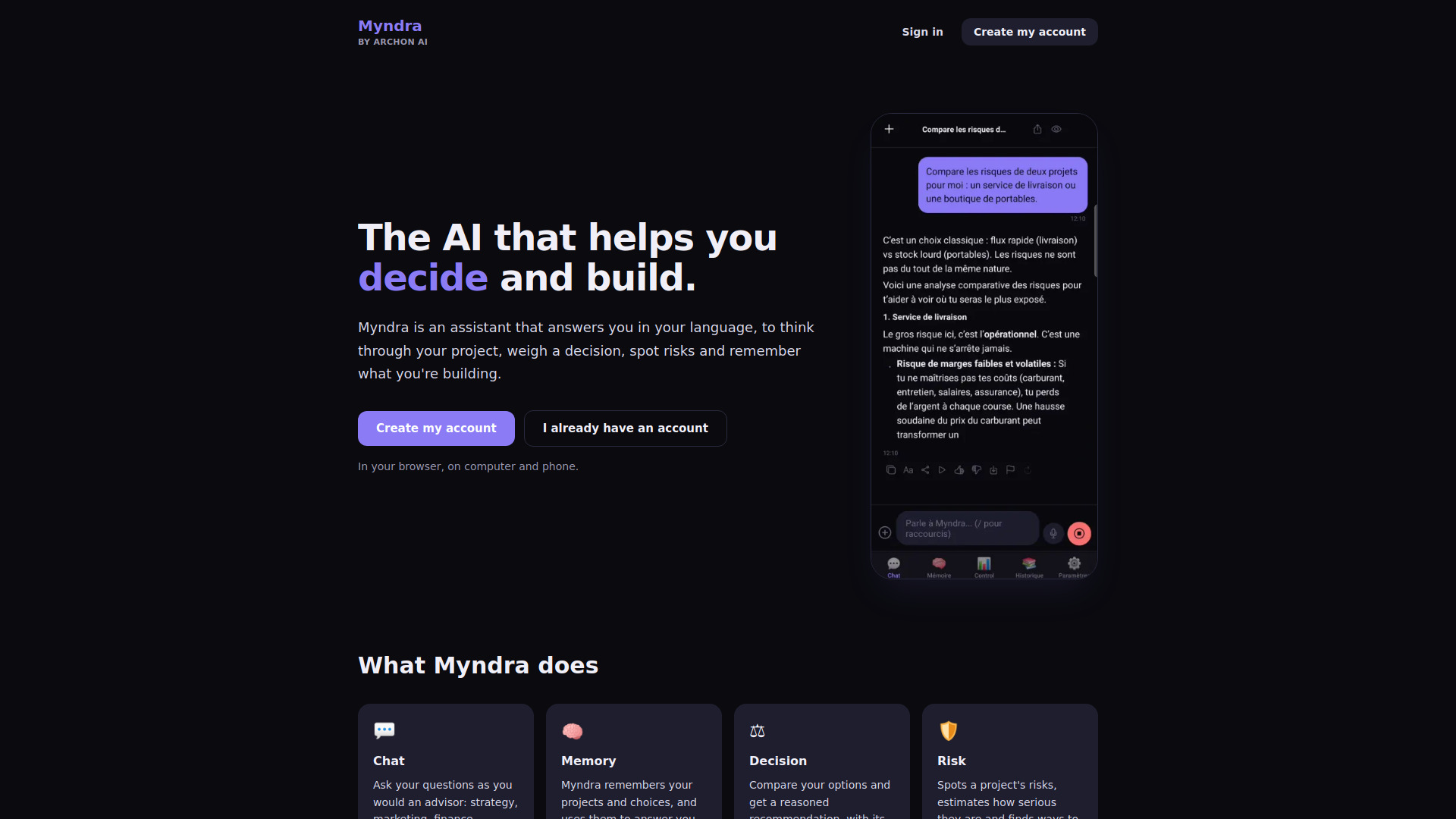
Myndra
Myndra is an AI assistant that answers in your language and helps you think through your project, weigh a decision, spot the risks and keep track of what you are building.
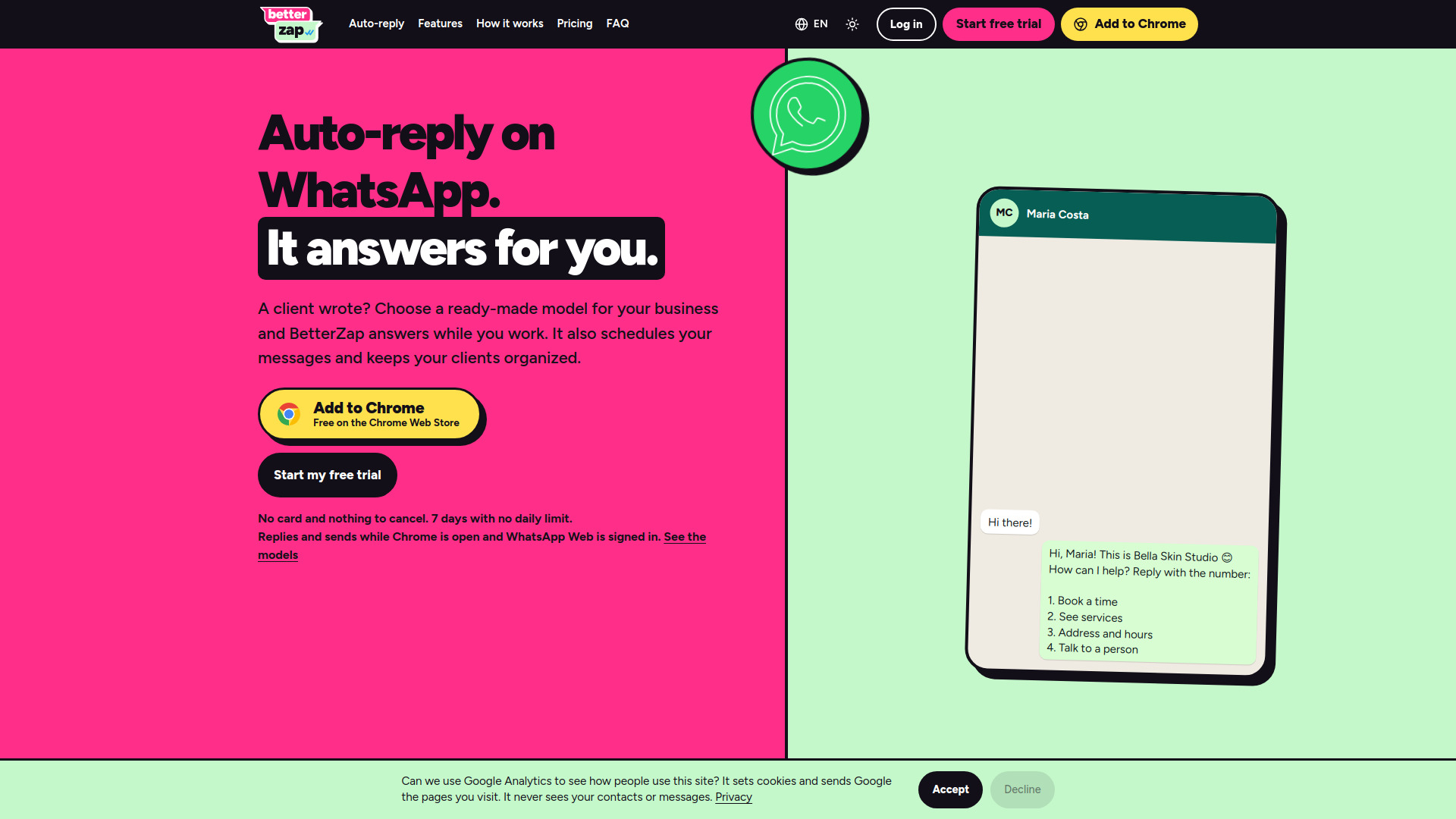
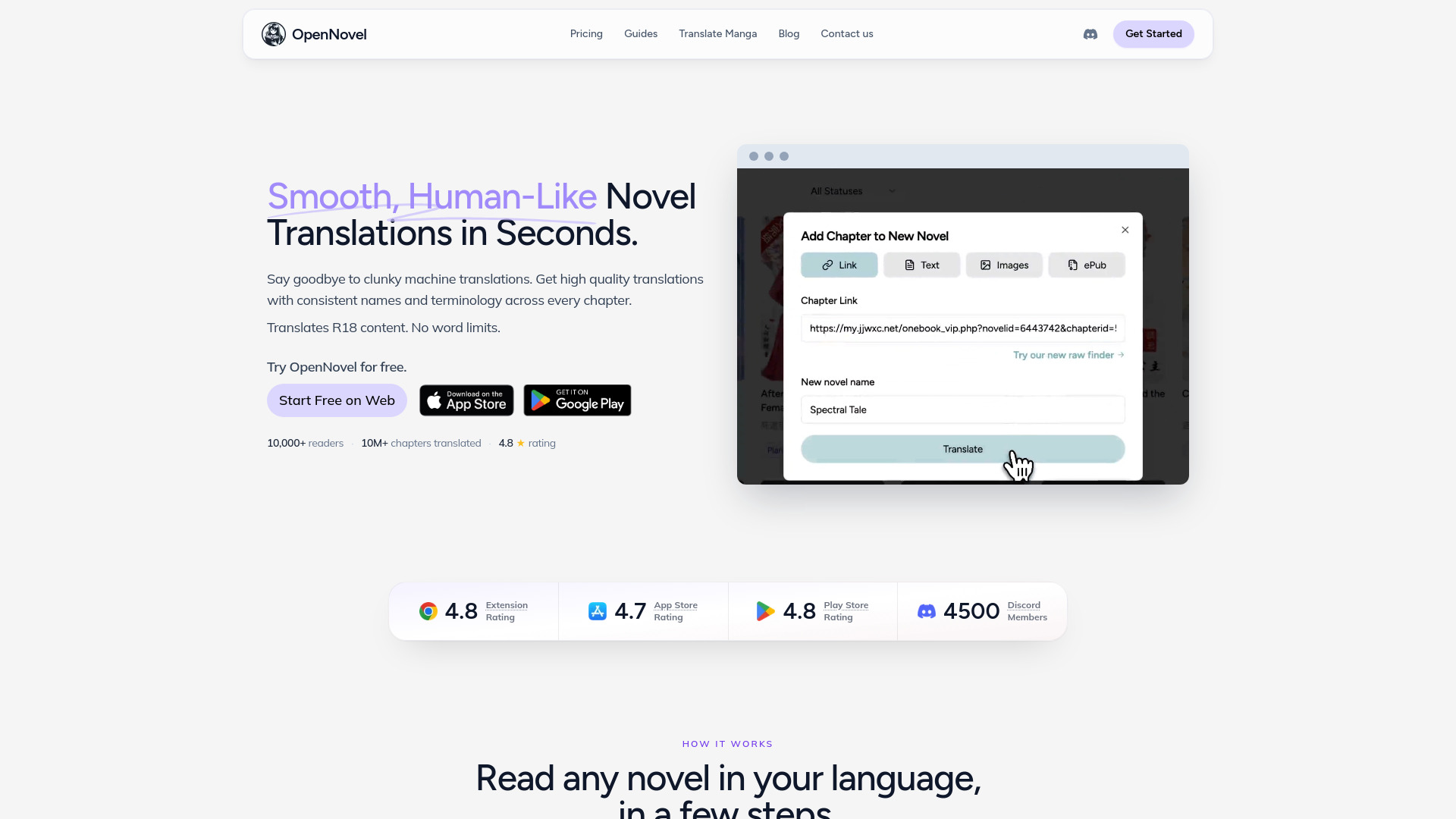
BetterZap
An AI chatbot that answers your WhatsApp customers from your own knowledge base, plus scheduling and a light CRM, in a Chrome extension.
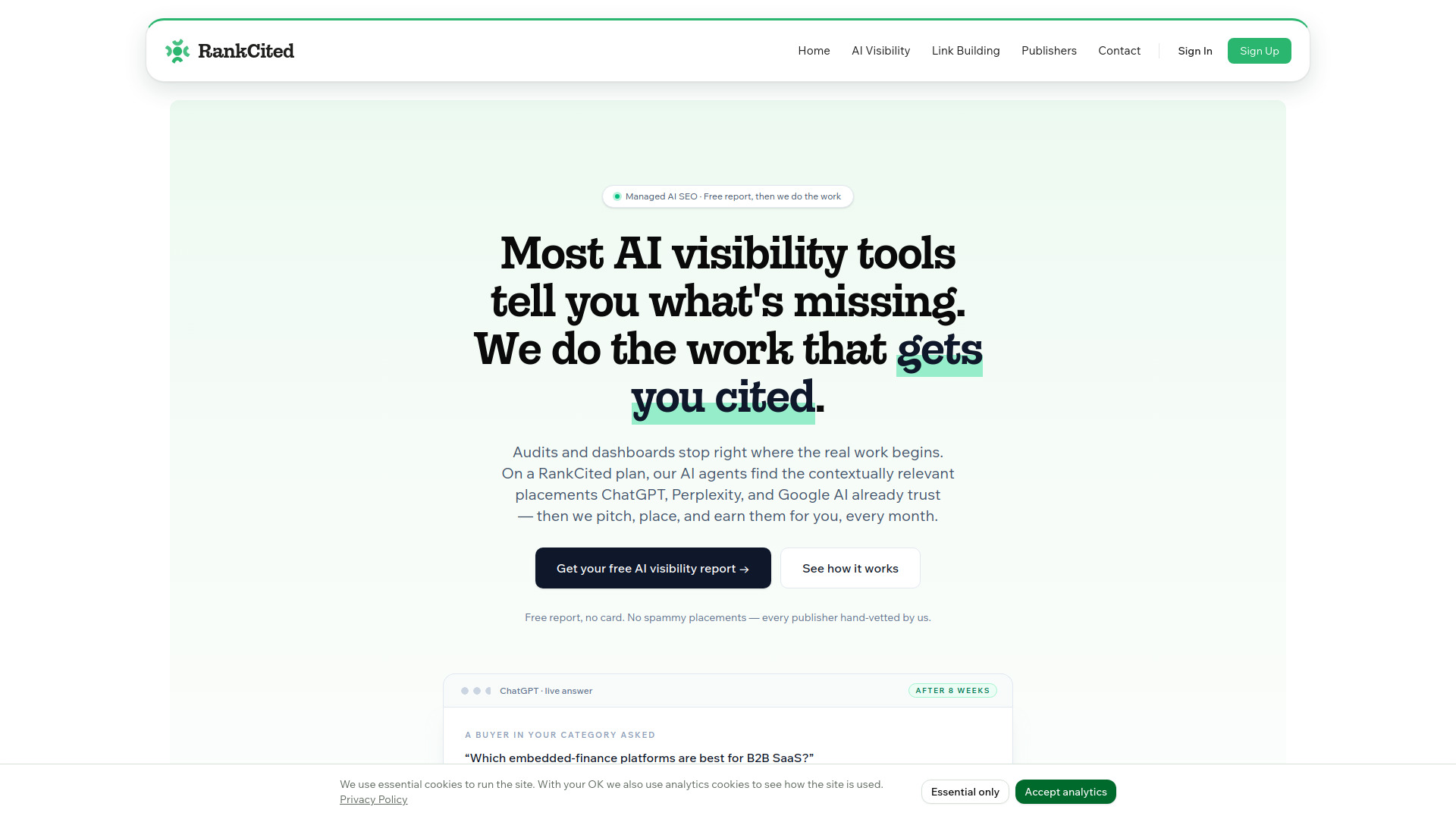
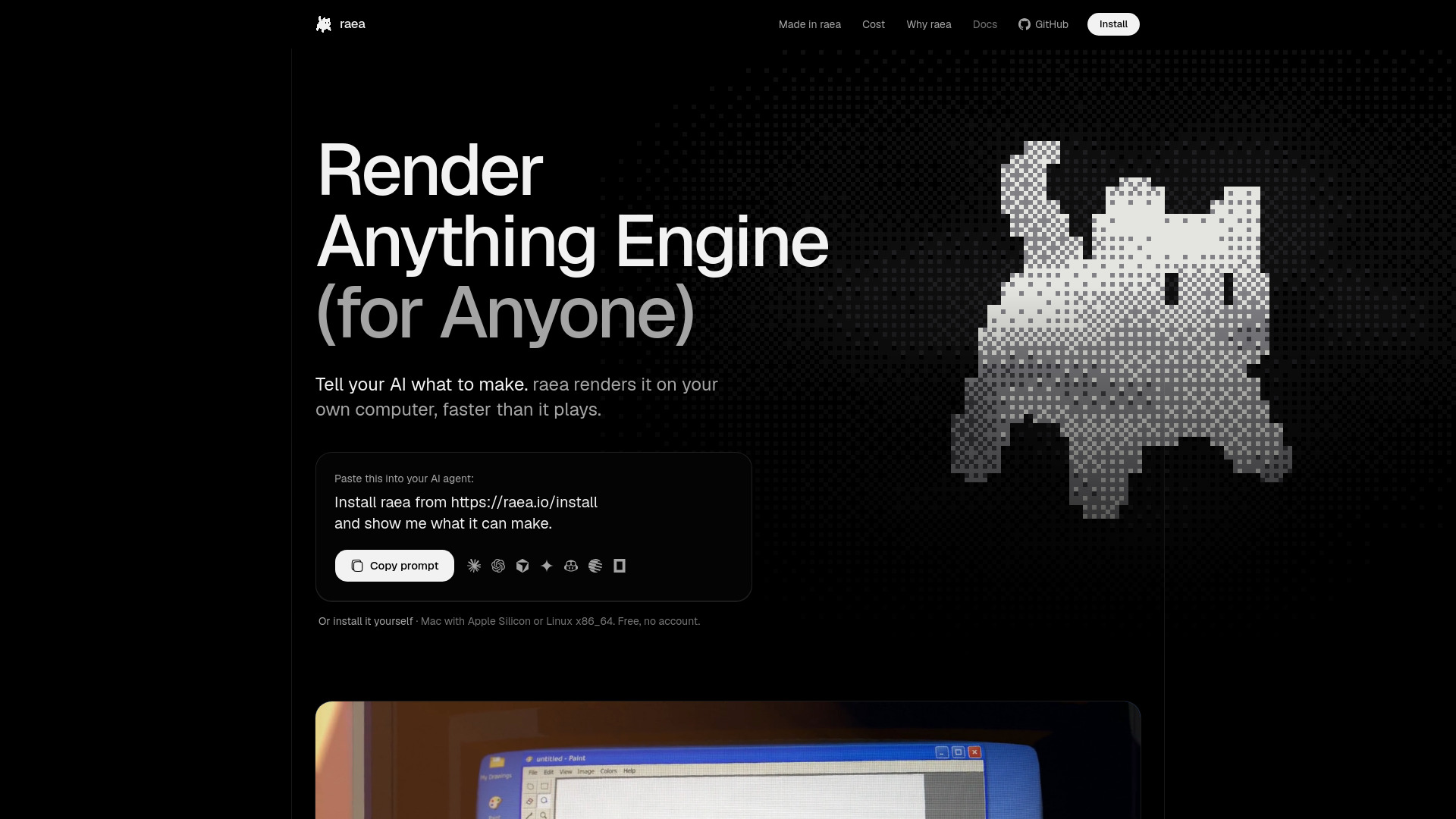
VideoSI
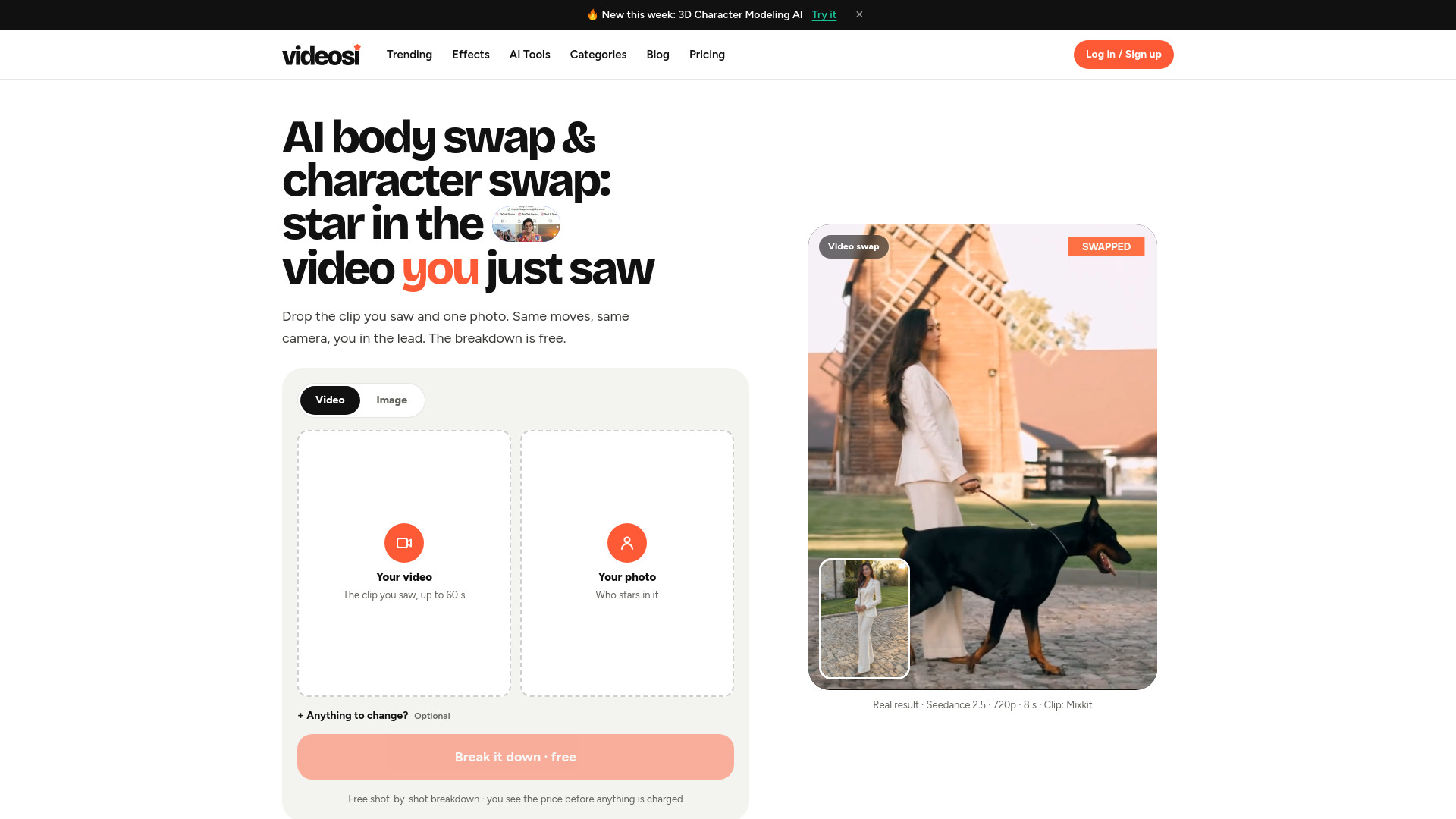
videosi is an AI body swap and character swap video maker: upload a TikTok, Reels or Shorts clip and one photo, and it puts you in the lead with the original moves, camera and scene.
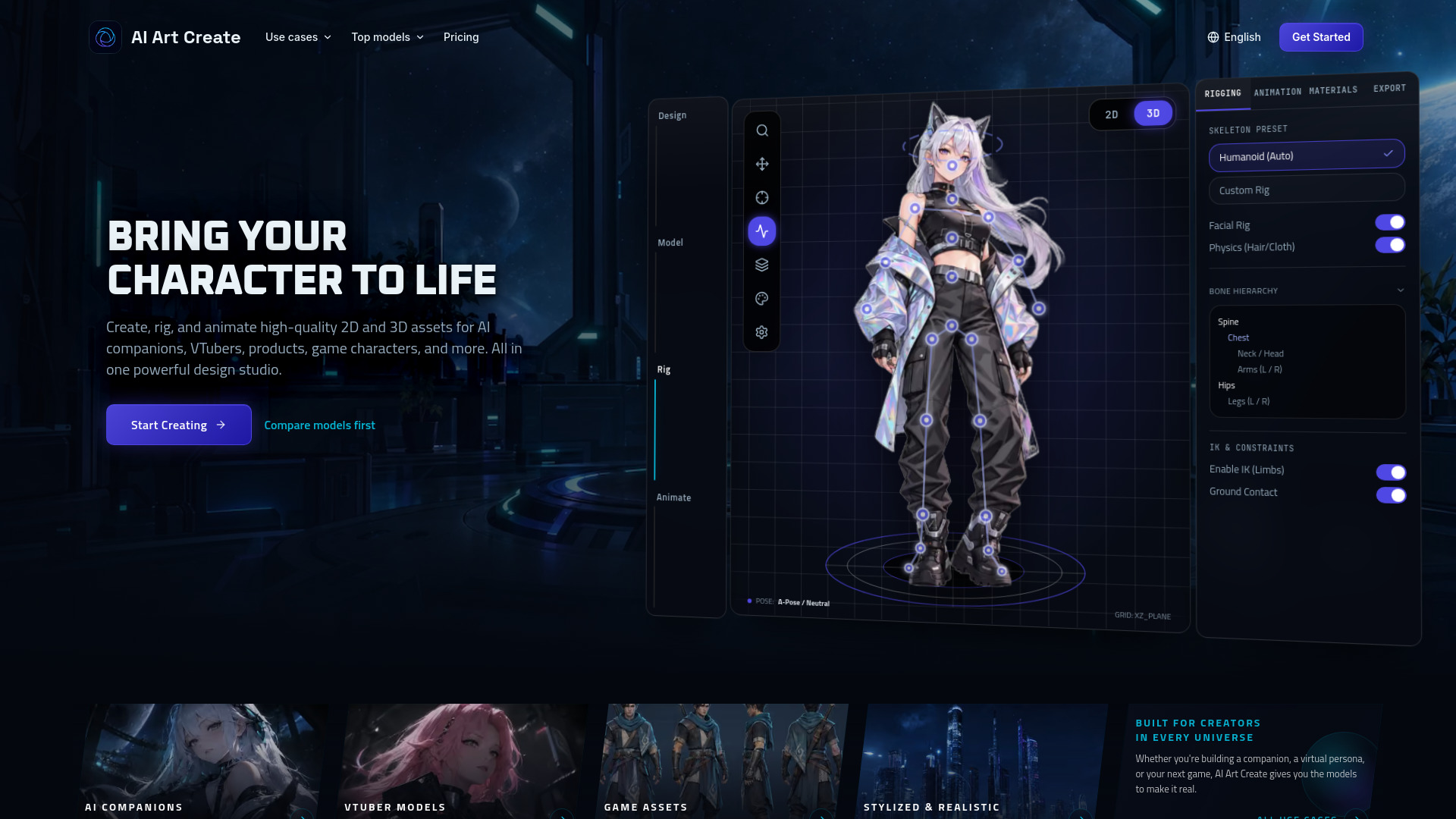
AI Art Create - Generate Character, VTuber and Game Assets
Multi-model studio for generating character art, creator assets, and short videos.
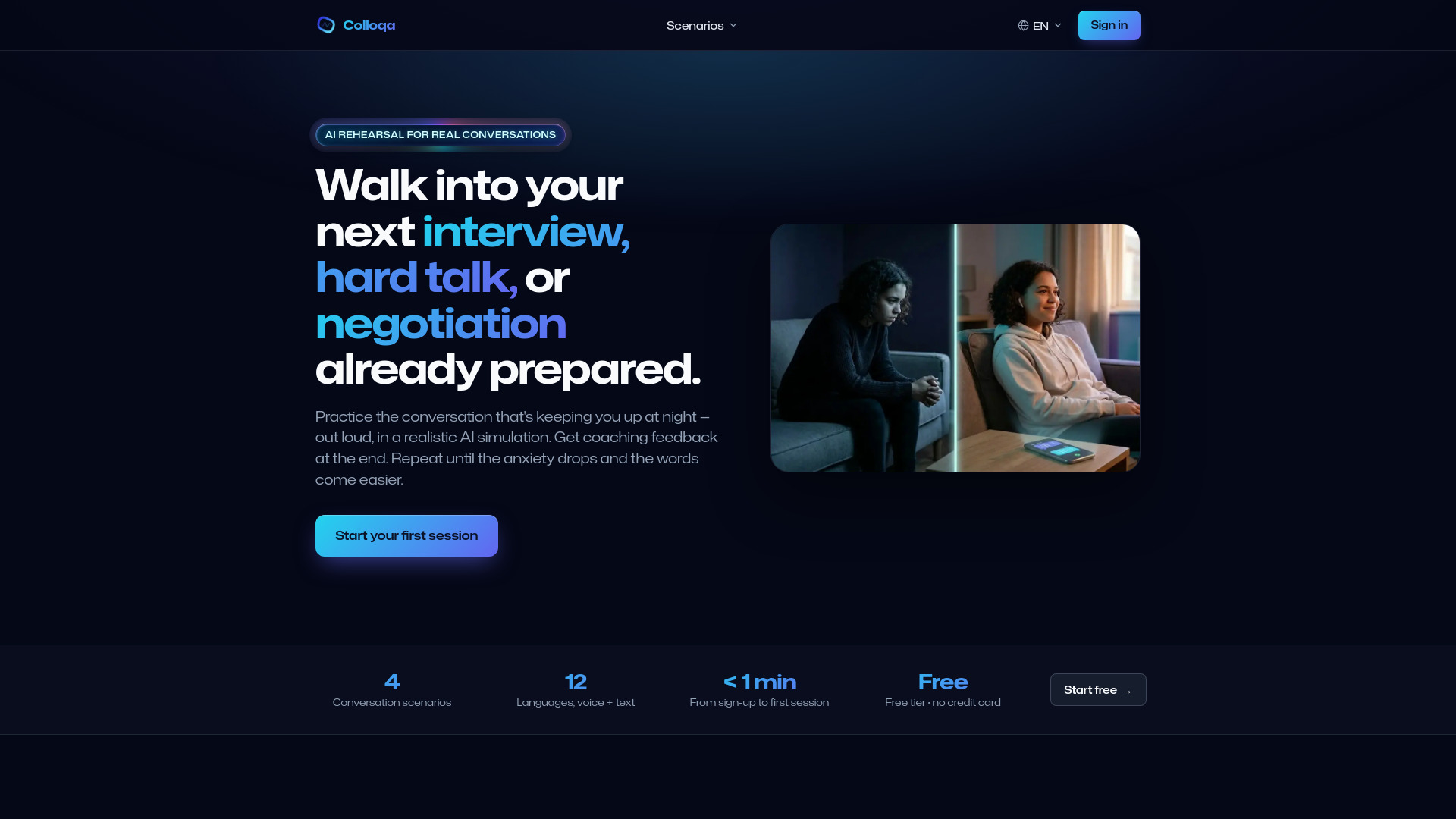
Colloqa
Colloqa is an AI mock interview and conversation practice app. Rehearse job interviews, negotiations and hard talks out loud: the AI follows up and coaches you.
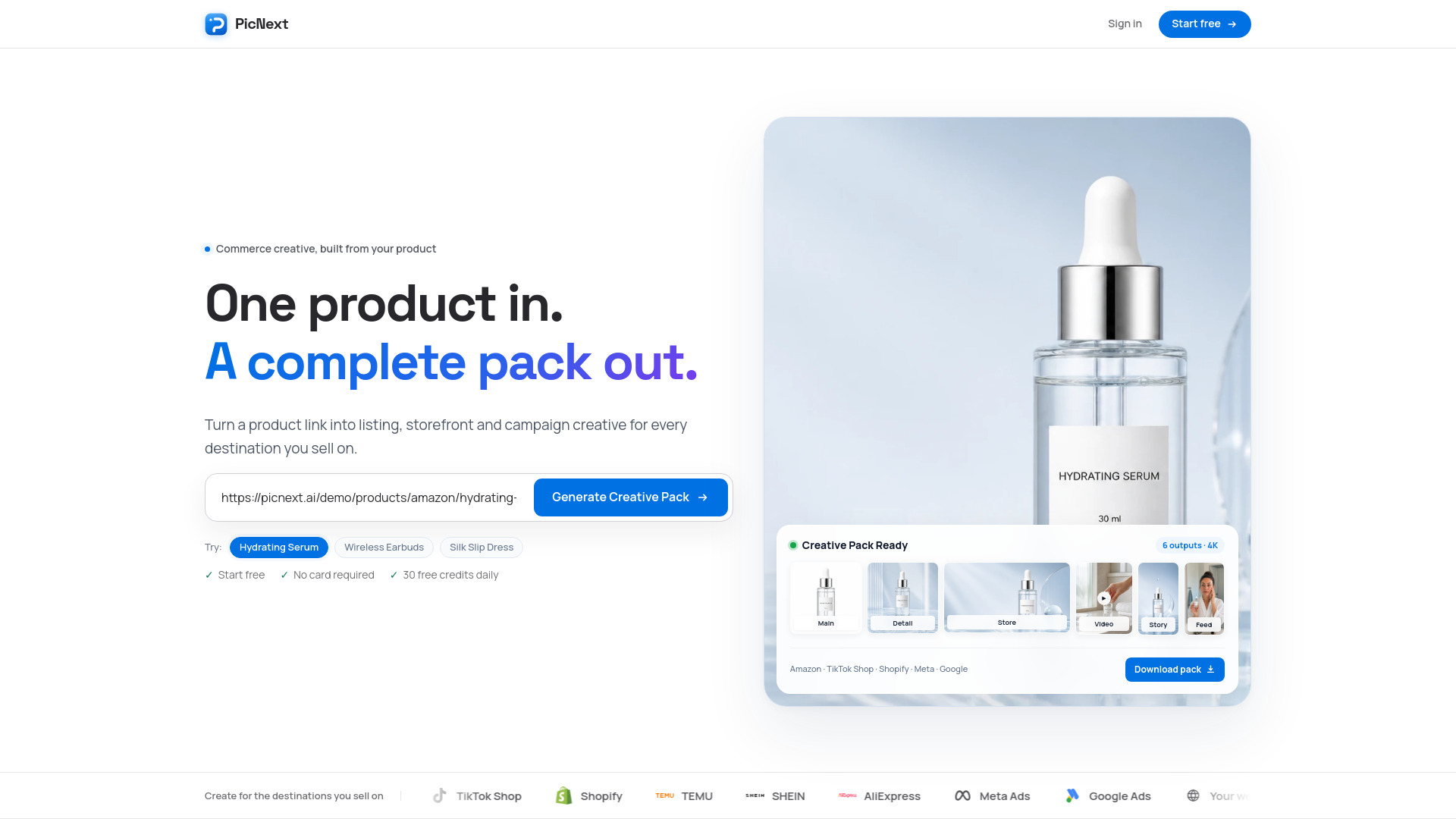
PicNext
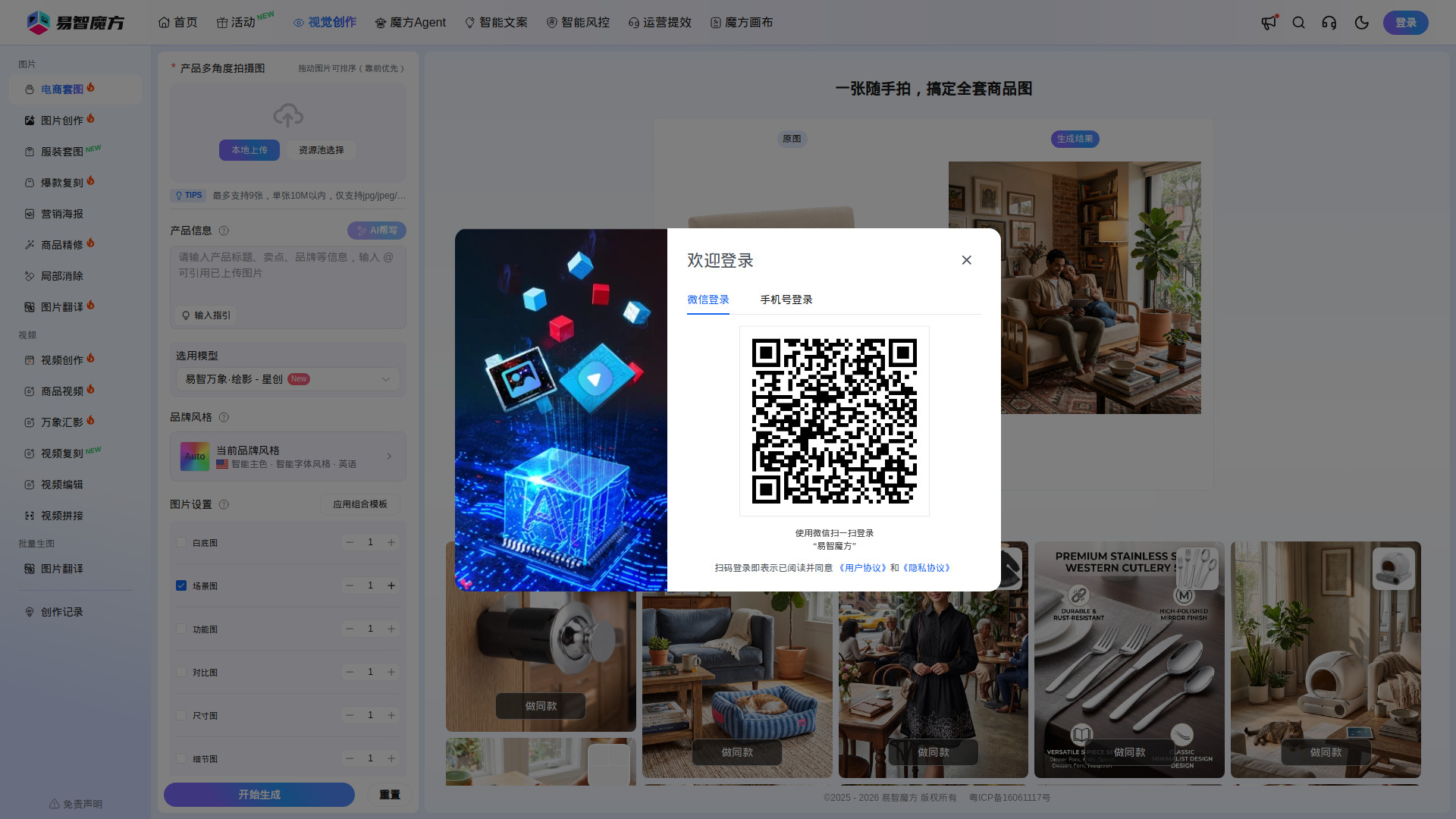
Turn one product photo or link into clean listing images, lifestyle shots, and short videos for your next campaign.